Grade separation
Roundabouts and interchanges
When a roundabout clears a junction, and when a highway interchange is the tool the map actually needs.
Unofficial fan guide — not affiliated with Onramp Games.
A circle is a tool, not a decoration
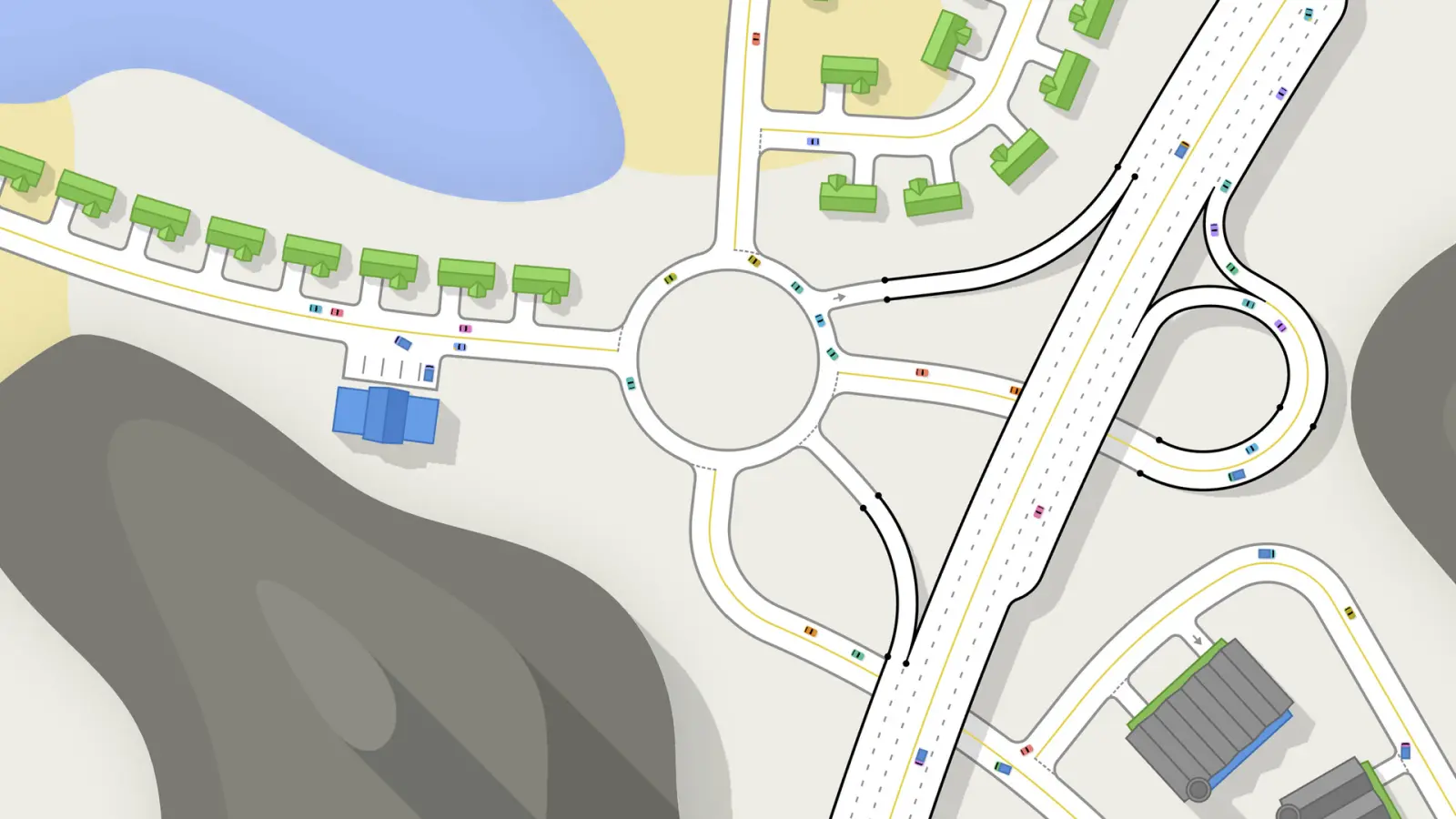
The store text lists roundabouts next to bridges and traffic lights as things you place on the network. The official screenshot of a roundabout shows a highway, a single-lane ramp, and houses around the circle. Cars are small colored blocks on white pavement with a yellow center line. That picture is the visual definition I am willing to use: a roundabout here is a placed circle with approaches, not a painted blob in the middle of a crossroads.
Reviews that dislike the road tools say a multi-lane roundabout is not a single placement. You drop the roundabout, then use the single-lane tool along the side to add the extra circulating lane. I keep that as a player-reported workaround. If a later patch adds a multi-lane circle preset, this paragraph should be replaced, not quietly edited into “it was always one click.”
Cloverleaf, U-turn, slip lane
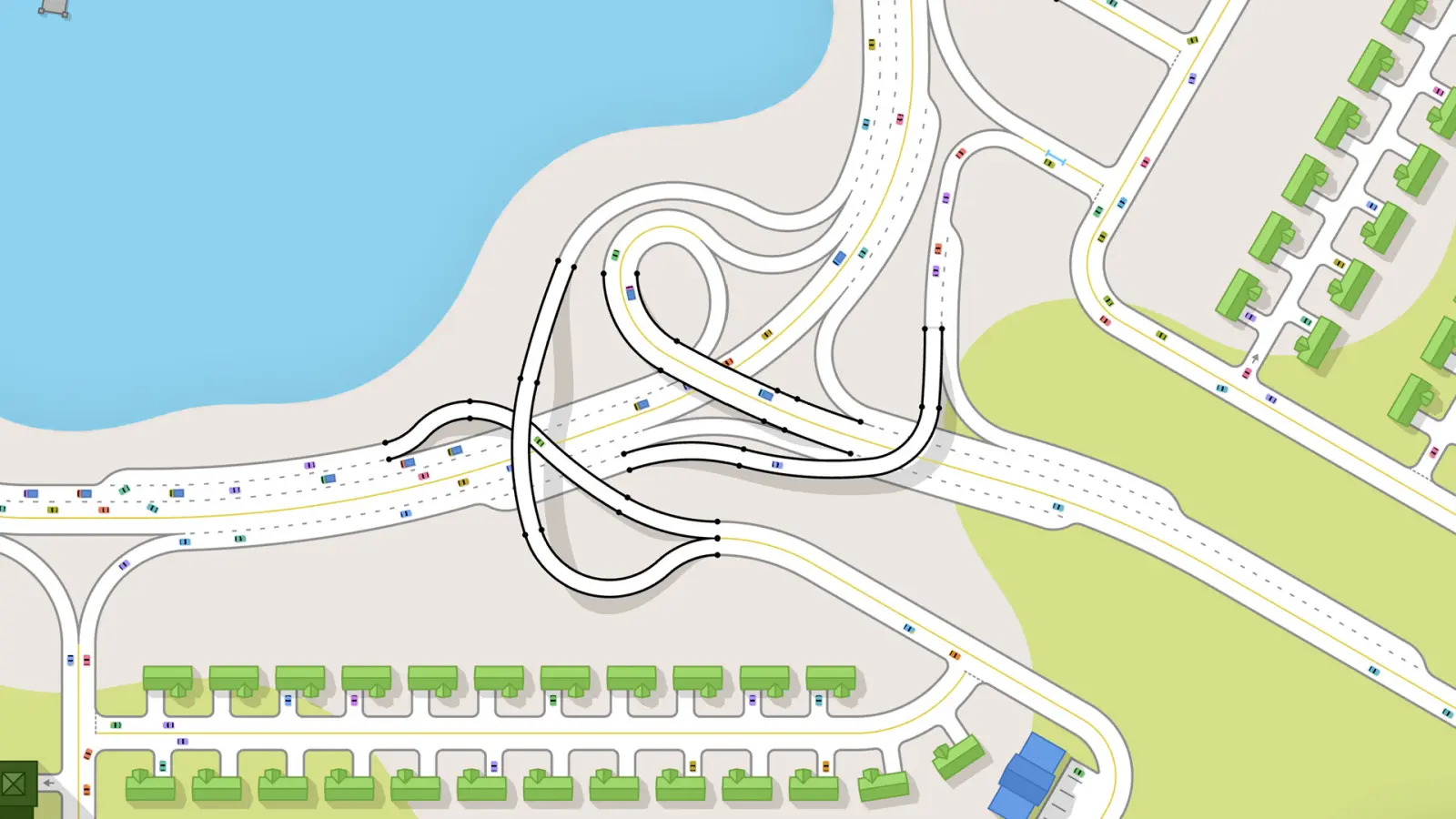
Another official screenshot shows a cloverleaf with a U-turn loop and black lane-connection lines. The store text says you raise roads to cross other roads or terrain, and that interchange design emerges from road class. The beginner series uses a first bridge to pull a busy turn off the junction below, and later episodes test slip lanes. Those are the three grade-separated moves I can point at without inventing a ramp radius.
Leave ground around the junction before you start. The beginner tip about room to grow is specifically about this page: a cloverleaf that is drawn into a finished block has nowhere to put the loop. The U-turn in the screenshot sits beside the interchange, not on top of a house.
Tunnels are a repeated complaint in negative reviews and are not named in the store text. Bridges are. If you need to cross, the published tool is a raised road, not a bore. Angle snap, made more visible in the Day 2 Patch, is the control that keeps a ramp from landing at a useless angle. Undo (Ctrl+Z / Cmd+Z) is how you back out of a ramp that landed on a house.
Questions
Can I place a multi-lane roundabout in one click?
Reviews say no. You place the roundabout, then add lanes with the single-lane tool. That is a player description of the workaround, not a store promise of a one-click multi-lane circle.
Are there tunnels?
Helpful negative reviews list “no tunnels” as a launch gap. Bridges and raised roads are in the store text. I do not describe a tunnel tool.
Sources
- Steam store page — checked 2026-11-18
- Steam reviews — checked 2026-11-18
- Onramp Games YouTube — checked 2026-11-18
Last checked: 2026-11-18.
Related
- Traffic lights — When a circle is the wrong tool and a phase is the right one.
- Beginner guide — Leave room before you draw the interchange.