Playable
Trafficity on Steam Deck
Steam marks Trafficity Playable on Deck. The public notes cover text size and controller prompts.
Unofficial fan guide — not affiliated with Onramp Games.
Playable, with three listed problems
Valve’s compatibility report grades Trafficity Playable. The resolved category is 2, which is the Playable bucket. Performance of the default configuration passes, and the game starts on SteamOS. Three items fail: the default controller config is not fully functional, controller glyphs do not match the Deck, and interface text is not comfortable to read.
| Test | Result | Status |
|---|---|---|
| Default configuration is performant | Pass | 1 source |
| Default controller config fully functional | Fail | 1 source |
| Controller glyphs match the Deck | Fail | 1 source |
| Interface text is legible | Fail | 1 source |
| SteamOS startup | Pass | 1 source |
| SteamOS default controller config | Fail | 1 source |
What to change — and what not to invent
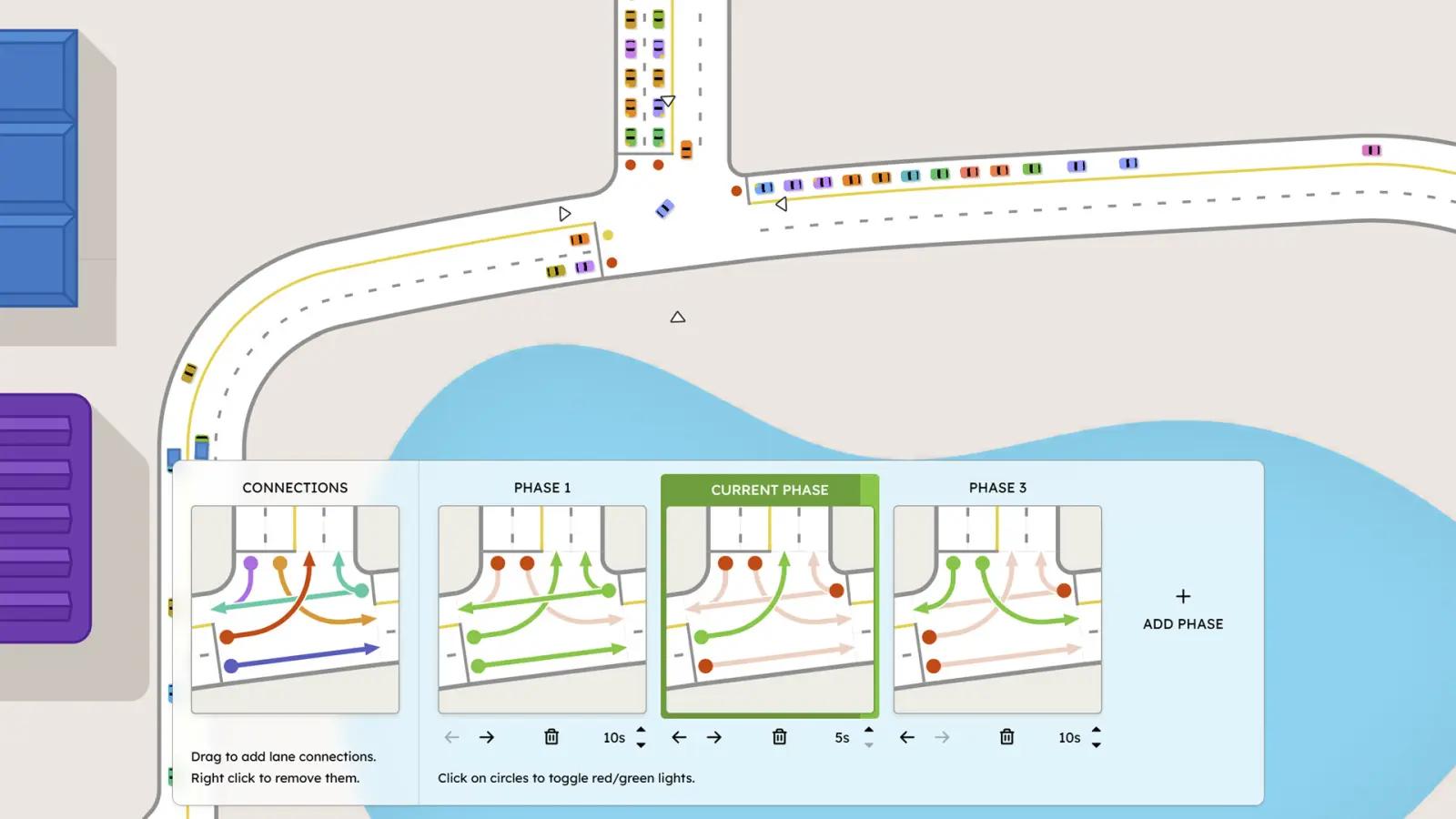
The signal panel in the official screenshot is dense: connection lines, phase seconds, and small circles. That is the kind of UI the text-legibility fail is pointing at. I can say the panel is small. I cannot say “set the Deck to 720p and FSR quality,” because Valve has not published a recommended preset and no second source gives one.
One Steam review says the game ran perfectly on Linux via Proton. That sentence is about a desktop Linux machine, not a Deck session. I leave it here so it is not mistaken for Deck verification.

Questions
Does Trafficity run on Steam Deck?
Valve marks it Playable. Startup and default performance pass. Controller support, glyphs, and text size do not.
What are the best Deck settings?
Valve has not published a recommended graphics preset. I do not invent one.
Sources
- Steam store page — checked 2026-11-18
- Steam Deck compatibility report — checked 2026-11-18
Last checked: 2026-11-18.
Related
- System requirements — The desktop minimums, which are not a Deck preset.
- Traffic lights — The panel whose small text is the readability issue.